
The cryptocurrency market in 2024 is massive, with thousands of coins and tokens trading hands daily. If you’re holding any crypto, you need somewhere safe to keep it—and that’s where wallets come in. But not all wallets are created equal. Some prioritize security, others focus on ease of use, and some are built specifically for decentralized finance (DeFi) enthusiasts. This guide breaks down the best options so you can pick what actually fits your needs.
Our Top Picks at a Glance
| Wallet | Type | Best For | Supported Coins | Fees |
|---|---|---|---|---|
| Coinbase Wallet | Hot/Custody | Beginners | 10,000+ | Network fees only |
| Ledger Nano X | Hardware | Maximum Security | 5,500+ | One-time purchase |
| Trust Wallet | Mobile | Mobile Users | 10M+ assets | Network fees |
| Exodus | Desktop | Desktop Experience | 300+ | Network + exchange fees |
| MetaMask | Browser/Extension | DeFi & Web3 | 1,000+ | Network fees |
| Binance Wallet | Integrated | Trading | 350+ | Network fees |
Best Crypto Wallets Reviewed
Coinbase Wallet – Best Overall
Coinbase Wallet works well for most people in 2024. It’s the non-custodial side of the Coinbase exchange, meaning you hold your private keys while getting access to a platform millions already know.
The wallet handles over 10,000 cryptocurrencies—a huge range that covers pretty much anything you’re likely to buy. You can move funds between the exchange and your wallet easily, and there’s a built-in DApp browser for exploring Web3 apps without juggling multiple tools.
Security-wise, you get biometric login, encrypted cloud backups, and a recovery phrase for backup. These aren’t revolutionary features, but they’re reliable and work as expected.
Where Coinbase Wallet really shines is walking the line between “this is confusing for beginners” and “I need advanced features.” It’s not the flashiest option, and some power users might want more customization. But for most people, it just works.
Ledger Nano X – Best Hardware Wallet
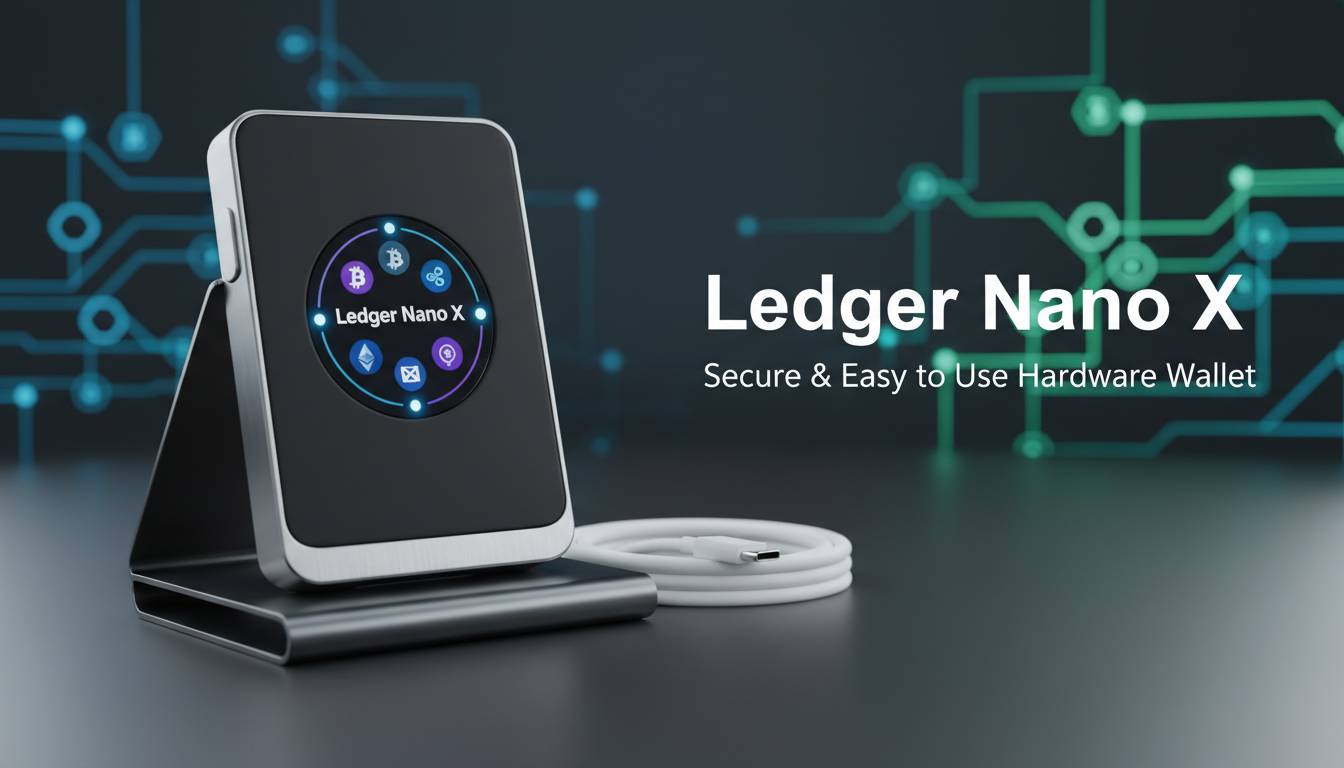
If you’re serious about security, hardware wallets are the move. The Ledger Nano X is the most popular option here—it keeps your private keys completely offline, away from hackers, malware, and phishing attacks.
The device itself has a secure element chip (certified and everything) that isolates your sensitive data from the main processor. Bluetooth connectivity means you can use it with your phone without plugging in cables, which is genuinely convenient. The screen on the device lets you verify transactions before confirming them—nothing leaves the hardware without your explicit approval.
It supports over 5,500 cryptocurrencies and plays nice with popular DeFi apps through Ledger Live. The catch? You need to pay upfront ($149 as of 2024), and there’s a slight learning curve if you’ve never used hardware wallets before.
For storing meaningful amounts of crypto, this is the standard. Not because it’s perfect—it has had firmware issues in the past like any tech—but because the air-gapped approach is fundamentally safer than anything connected to the internet.
Trust Wallet – Best Mobile Wallet
Trust Wallet is the go-to for people who do everything on their phone. Binance acquired it a while back, but it still operates independently as a non-custodial wallet—which is exactly what you want.
The mobile experience is smooth. You can stake coins directly in the app, buy crypto without leaving, and access decentralized exchanges from within the wallet. It supports over 10 million assets, including all ERC-20 tokens and multiple blockchains. That’s honestly overkill for most users, but if you dive into niche tokens, you won’t run into compatibility problems.
The built-in DApp browser handles Web3 interactions, NFT marketplaces, and DeFi protocols. It’s not as polished as MetaMask for DeFi specifically, but for a mobile-first setup, it’s hard to beat.
One thing to keep in mind: Trust Wallet is a hot wallet. That means it’s connected to the internet, so don’t load it with everything you own. Keep your long-term holdings on hardware storage.
Exodus – Best Desktop Wallet
Exodus stands out visually. The interface is genuinely nice to look at—not something you usually say about crypto software. But it’s not just cosmetic. The wallet handles over 300 cryptocurrencies, includes built-in exchange features so you can swap assets without leaving the app, and integrates with Trezor hardware wallets if you want to level up security.
The portfolio overview is useful if you hold crypto across multiple wallets and exchanges. Instead of checking three or four apps, you get a consolidated view.
That said, Exodus isn’t the choice for DeFi heavy users. It’s better suited for people who want a pleasant desktop experience for holding and occasionally trading crypto without diving into yield farming or liquidity provision.
MetaMask – Best for DeFi and Web3
MetaMask is basically required if you’re doing anything with DeFi. It’s a browser extension (and mobile app) that connects you to the Ethereum ecosystem and EVM-compatible chains like Polygon, Arbitrum, and Avalanche.
The reason it’s so popular: almost every DeFi protocol, NFT marketplace, and Web3 app supports it out of the box. Yield farming, lending, trading on decentralized exchanges—MetaMask handles all of it. One click to connect, your keys stay on your device, and you’re in.
It supports around 1,000 tokens, which is enough for most DeFi activities. The interface is functional if not beautiful, and the network switching between Ethereum and sidechains is straightforward once you’ve done it a few times.
If DeFi isn’t your thing, MetaMask is probably overkill. But if even a fraction of your crypto activity involves decentralized apps, you’ll end up using it anyway.
Binance Wallet – Best for Trading Integration
Binance Wallet makes sense if you’re already trading on Binance. The non-custodial version gives you key control while keeping tight integration with the exchange. Move money between your wallet and trading account fast—important when market opportunities disappear fast.
It supports over 350 coins and uses the same security infrastructure as the exchange itself. For active traders who need quick access to funds, this friction reduction matters. Binance Smart Chain access also gets you into that DeFi ecosystem.
The trade-off is obvious: you’re tied to the Binance world. If you prefer other exchanges or want to stay fully independent, this wallet is less appealing.
Hot Wallets vs Cold Wallets: Understanding the Difference
This is a fundamental distinction that affects everything else.
Hot wallets connect to the internet. Mobile apps, browser extensions, exchange wallets—they’re all hot. The upside is convenience: send, receive, interact with DeFi apps, all instantly. The downside is exposure. Anything online can potentially be hacked. Hot wallets are great for amounts you’re actively trading or using.
Cold wallets keep keys offline. Hardware devices like Ledger, or even paper wallets, stay disconnected from the internet. This makes them nearly impossible to hack remotely. The tradeoff is accessibility—you need the physical device and can’t quickly move funds. For long-term holdings you don’t plan to touch, cold storage is the standard recommendation.
The practical approach for most people: keep most crypto on a hardware wallet (cold), keep a smaller amount in a hot wallet for daily transactions. How much is “smaller”? Depends on your situation, but a few hundred dollars’ worth is usually plenty for day-to-day use.
How to Choose the Right Crypto Wallet
Here’s what actually matters when picking a wallet:
Security features: Does the wallet let you control your private keys? That’s the baseline. Two-factor authentication, biometrics, and recovery phrases add protection. Hardware wallets cost money upfront but provide the strongest security.
Supported cryptocurrencies: Check before you commit. Some wallets handle thousands of coins; others focus on specific blockchains. Make sure your holdings work with whatever you choose.
User experience: Be honest about your technical comfort level. Some wallets assume you know what a seed phrase is; others hold your hand. Neither is wrong—it depends on what you need.
Fees: Most non-custodial wallets are free to download. You always pay network fees for transactions, though. Some wallets add convenience fees on top for built-in exchange features.
Platform: Need mobile access? Desktop only? Browser extension? Many people use multiple wallets for different situations.
Security Features to Look For
Regardless of which wallet you choose, understand these basics:
Private key control: Non-custodial wallets let you hold your keys. Custodial solutions (like keeping crypto on an exchange) hand that control to someone else. For anything substantial, you want the keys in your hands.
Two-factor authentication: Adds a second verification step. If someone steals your password, they still can’t get in.
Recovery phrases: 12 or 24 words that restore your wallet on any compatible device. Write them down on paper—real paper—and store them somewhere secure. Not in your phone, not in a notes app, not in email. Paper.
Hardware security: If you’re going the hardware route, look for devices with secure element chips and screens that let you verify transactions.
Conclusion
Coinbase Wallet covers most bases well—solid security, huge asset support, easy enough for beginners. Ledger Nano X is the standard for cold storage if you’re holding serious value. Trust Wallet dominates mobile, and MetaMask is unavoidable if you’re active in DeFi.
Many experienced holders use multiple wallets: cold storage for everything else, a hot wallet for trading and DeFi. This approach costs a little extra effort but dramatically improves your security posture.
The crypto ecosystem keeps changing, and wallet features evolve with it. Reassess your setup every year or so, especially as your holdings grow.
Frequently Asked Questions
Which crypto wallet is safest in 2024?
Hardware wallets like Ledger Nano X are safest because they stay offline. Keep most holdings on hardware, with smaller amounts in hot wallets for transactions.
Are crypto wallets free to use?
Most non-custodial wallets are free to download. You pay network fees for transactions. Hardware wallets need a one-time purchase ($50-$250).
What is the best crypto wallet for beginners?
Coinbase Wallet and Trust Wallet are beginner-friendly with simple setups and straightforward interfaces.
Can I use the same wallet for Bitcoin and Ethereum?
Yes. Most major wallets support multiple chains. Coinbase Wallet, Trust Wallet, and Exodus all handle both.
What happens if I lose my crypto wallet?
With non-custodial wallets, use your recovery phrase on a new device to restore access. Write down your recovery phrase when you set up the wallet—without it, your crypto is gone.
Should I keep my crypto on an exchange or in a wallet?
Personal wallets are generally safer for significant amounts. Exchanges can be hacked or face regulatory problems. Keeping funds on reputable exchanges is convenient for trading, but self-custody is more secure for long-term holding.