
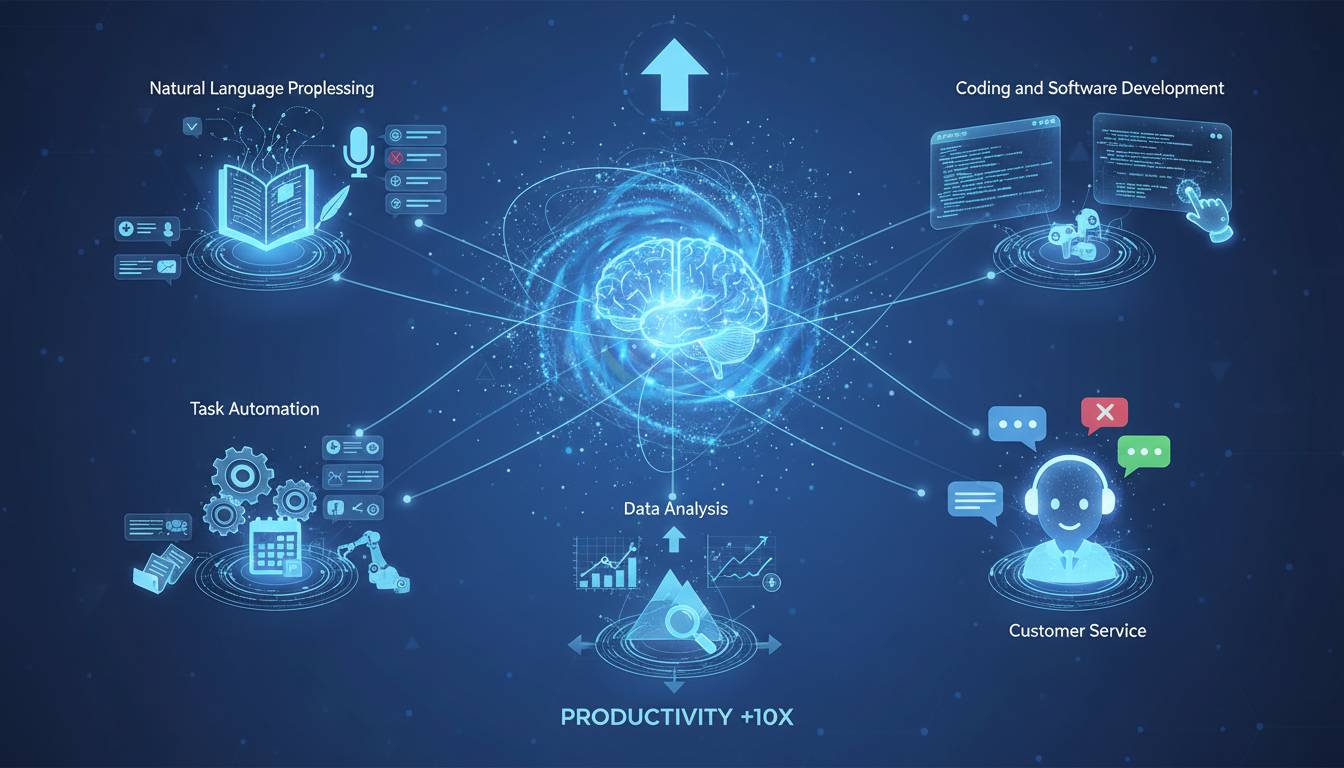
AI has fundamentally changed how people work. That’s not hyperbole—it’s just reality in 2024. Whether you’re drafting emails, coding, or trying to make sense of meeting notes, there’s probably an AI tool that can help. This guide covers the most useful ones, what they do well, and where they fall short.
Why AI Tools Are Everywhere Now
Two years ago, AI felt like something tech companies talked about in keynotes. Now it’s in your email, your code editor, and probably your browser. The global AI software market is heading toward $130 billion by 2025, which tells you everything about how seriously businesses are taking this.
What changed? These tools actually work for regular people now. You don’t need to know Python or have a data science background. The interfaces got better, the results got more reliable, and suddenly small businesses could access capabilities that used to require huge tech budgets.
The productivity numbers are hard to ignore. Professionals using AI tools regularly save 30% to 70% on routine tasks. That’s not abstract—it means finishing drafts faster, debugging code quicker, and spending less time on stuff that drains energy without adding value.
AI Writing Tools
This is where AI went mainstream. Writing tools got way smarter than just checking your grammar.
ChatGPT from OpenAI is probably the first one most people tried. It’s good at keeping conversations going, understanding what you actually mean, and generating usable first drafts. The iterative approach works—ask for something, get results, refine from there. It’s useful for emails, documentation, and those times when you’re staring at a blank page.
Claude from Anthropic handles longer documents better. Its bigger context window means you can feed it more reference material without losing the thread. If you’re working on research summaries or detailed reports, this is worth trying.
Jasper targets marketers specifically. It has templates for blog posts, ads, and social media, plus some brand voice features to keep things consistent. It’s less of a general-purpose tool and more of a content team assistant.
The honest truth: these tools are great for getting past blank-page syndrome. They’re not replacing good writers, but they handle first drafts well enough that humans can focus on the actual thinking and polishing.
AI Image Tools
Generating images from text went from novelty to实用 in about a year. Designers aren’t obsolete, but the job changed.
Midjourney has a distinctive look—almost too distinctive sometimes. Artists use it to explore ideas quickly, before committing to final work. It’s less about producing polished assets and more about visualization.
DALL-E from OpenAI plays nicer with enterprise needs. The content policies are stricter, which matters if you’re a company worried about what might end up in your marketing materials. It’s reliable for getting what you actually asked for.
Adobe Firefly is Adobe’s play here. The big advantage is that it’s trained on licensed stock, so copyright concerns are smaller. If you’re already in the Adobe ecosystem, this integrates naturally.
For design teams, the shift is practical: hours of initial exploration become minutes of iteration. The strategic decisions and final tweaks still need humans, but the tedium got reduced.
AI Video Tools
Video used to mean cameras, lighting, editing software, and lots of time. That’s changing fast.
Runway offers AI-powered editing features—background removal, image-to-video, effects that used to require professional software. It’s popular with independent creators who can’t afford full production teams.
Synthesia creates videos with AI avatars. No filming required. This works well for corporate training and multilingual content—make once, deploy everywhere.
Pika and Luma Dream Machine are newer and focused on text-to-video. The quality isn’t quite at image-generation levels yet, but it’s advancing quickly.
Marketing teams can now produce A/B test variants efficiently. Training departments can scale content without hiring videographers. The economics shifted.
AI Coding Tools
Developer productivity got a real boost from AI assistants.
GitHub Copilot integrates into code editors and suggests completions based on context. It learns from your codebase and comments. Results vary by language and project, but for boilerplate and repetitive patterns, it’s genuinely useful.
Amazon CodeWhisperer targets AWS development specifically. If you’re building on Amazon’s cloud, the recommendations are tailored to that environment.
Cursor is interesting—it’s an IDE built around AI interaction. You describe changes in plain language instead of manually editing. It feels different from traditional coding, but it works.
The impact is measurable. Less time on repetitive code, faster onboarding into new codebases, fewer simple bugs. It’s not replacing developers, but it makes them more efficient.
AI Productivity Tools
Beyond specialized categories, AI is showing up in everyday business tools.
Notion AI adds AI features to an already popular workspace. Meeting summaries, document drafting, better organization. If your team already uses Notion, this feels natural.
Microsoft Copilot embeds AI across Microsoft 365. Word, Excel, Outlook, PowerPoint—all get contextual help. If your company lives in Microsoft’s ecosystem, this integrates without new habits to learn.
Grammarly evolved past grammar into full writing assistance. Tone, clarity, professional polish. Its browser integration means it works everywhere, which is why so many people use it without thinking about it as “AI.”
Otter.ai handles meeting transcription and notes. It identifies key points and action items, which solves the common problem of meetings that produce nothing actionable.
These share something: minimal learning curve, immediate practical value. People try them individually, realize they help, and then teams adopt them.
Picking What Works for You
Don’t adopt AI tools because everyone’s talking about them. Figure out what actually slows you down, then see if AI helps.
Know your use case first. Content creation, coding, data analysis, workflow automation—different tools specialize. Trying to use one solution for everything usually means none of it works well.
Check what integrates with what you already use. A tool that requires new processes delivers less value than one that fits existing workflows. Look at APIs, browser extensions, and native integrations.
Watch pricing carefully. Free tiers exist, but they limit usage. Professional plans can get expensive. Understand what you’re actually getting before committing.
Take security seriously. Where does data go? Is it used to train models? What are the compliance certifications? These questions matter more for business use, but individuals should at least think about it.
Prefer actively developed tools. AI moves fast. Tools getting regular updates will age better than ones that plateau.
Where This Is Going
Multimodal AI is the obvious next step—tools that handle text, images, audio, and video together instead of requiring separate solutions. That reduces the tool sprawl somewhat.
The bigger shift might be ambient AI assistance that works continuously rather than through explicit prompts. Instead of asking for help, the tools might just… help. That’s a different relationship with technology than what most people have now.
The practical advice is straightforward: stay aware of developments, but focus on building skills that work with AI rather than against it. The humans doing well are the ones who figured out how to direct these tools effectively while bringing their own judgment to what matters.
Common Questions
What’s the most popular AI tool?
ChatGPT has the biggest name recognition, but “most popular” depends on what you’re doing. Developers use Copilot, writers use Grammarly, designers use Midjourney. Different categories, different leaders.
Are there free options?
Yes. ChatGPT has a free tier, Claude has limited free use, Grammarly’s basics are free. Heavy use usually requires paid plans, but you can test plenty of tools without paying.
Will AI replace jobs?
It augments better than it replaces. AI handles routine tasks and first drafts well, but it needs humans for quality control, strategic thinking, and nuanced decisions. The collaboration model works better than the replacement model.
What about security?
Varies by tool. Enterprise solutions usually offer encryption, compliance certifications, and clear data policies. Check before using business data with any AI tool.